Robot Overlord 3
2. How to use the Log Panel and report an issue
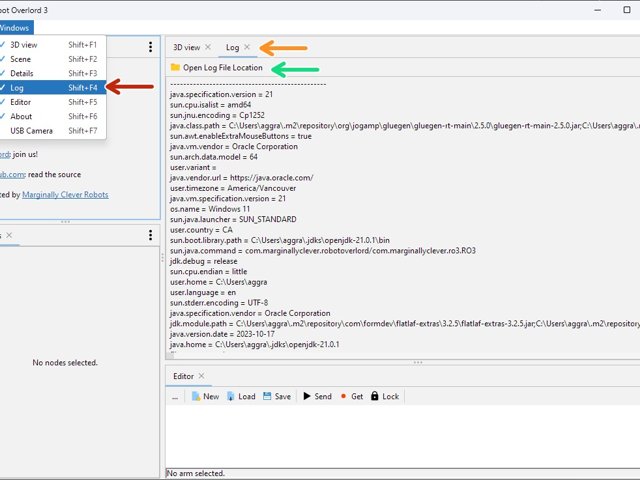
The Log panel is the first place to go when something is funny, but not ha-ha funny. It will have details reports for developers that might shed light on the strangeness. It should be included in every bug report.
Step 1 Find and use
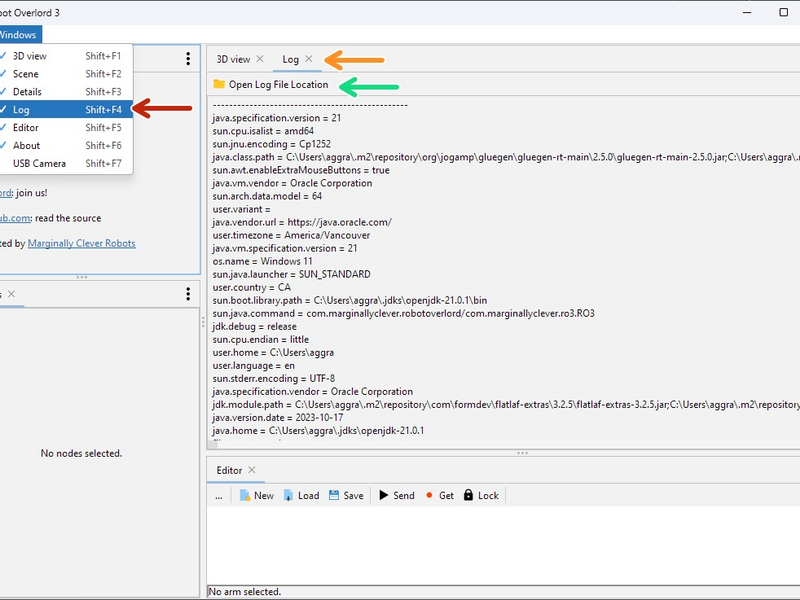
Click the large image to open full size.
The Log View can be found via the Windows menu. The keyboard shortcut is Shift+F4.
Log view may be open already in a tab. Look for the matching tab name.
The Log View displays the contents of the log file, which can be very helpful for the development team to find and fix bugs.
Find the log file: Click the Open Log File Location button and look for the file called log.txt.
- Note:
A bug report is always better with Log!
Step 2 Reporting an issue
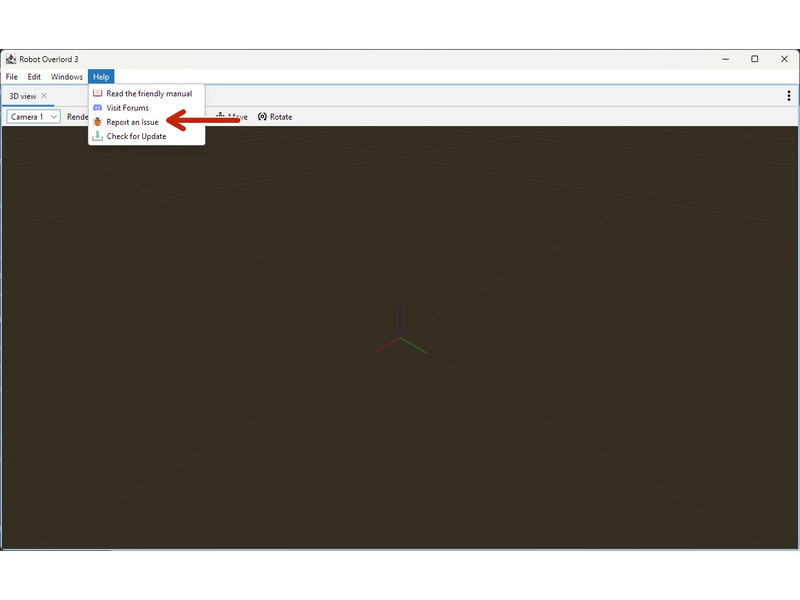
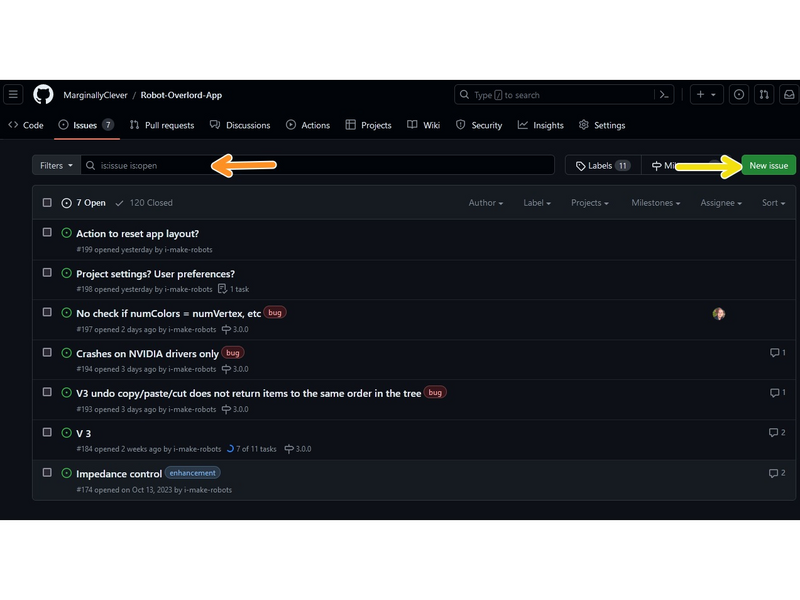
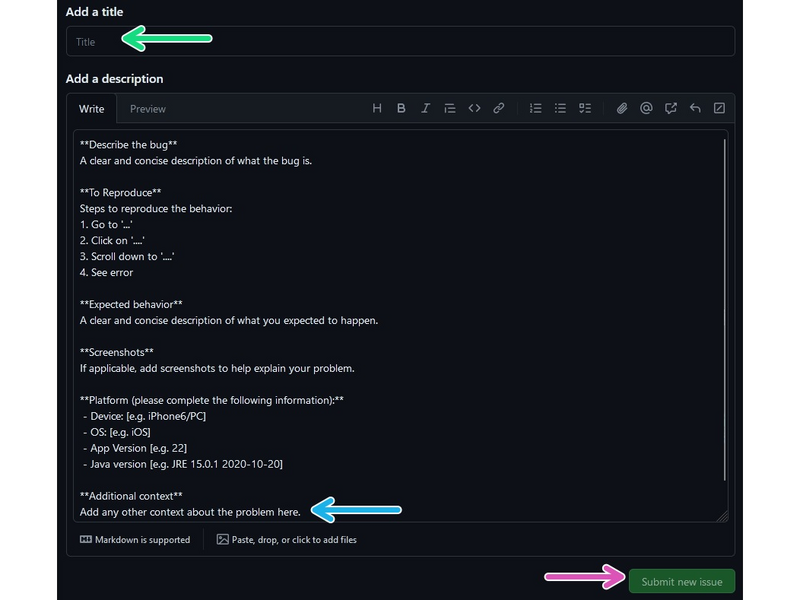
Click the large image to open full size.
Something has gone wrong? Got a great idea to share? Start by finding your Log file (see previous step)
Use Help > Report an issue. It will open a web page to the issue tracker on Github.
Search if the issue/idea already exists. If it does, contribute your experience there. Posting without reading creates a lot of work for a very small number of developers. Help us help you.
If your issue is new, find the New Issue button.
Give it a short descriptive title.
Fill in your details and be thorough. Drag and drop your log file in the Additional Context area and it will upload automatically.
- Note:
Make sure to include how to reproduce the behavior. The most critical part! Developers have to be able to recreate it in order to fix it.
Don't forget to hit save ;)
Complete
Good news: your bug is reported. Bad news: you have a bug. Such conflicting emotions!