Operations
Shipment and Customs Documentation Procedure
Step-by-step company shipment procedure.
1 - Contact Both Parties for Shipment Details
2 - Create the Shipment and Schedule the Pickup
3 - Proforma Invoice and Delivery List Approval
4 - Save and Send the AWB labels
Step 1 Contact Both Parties for Shipment Details
Click the large image to open full size.
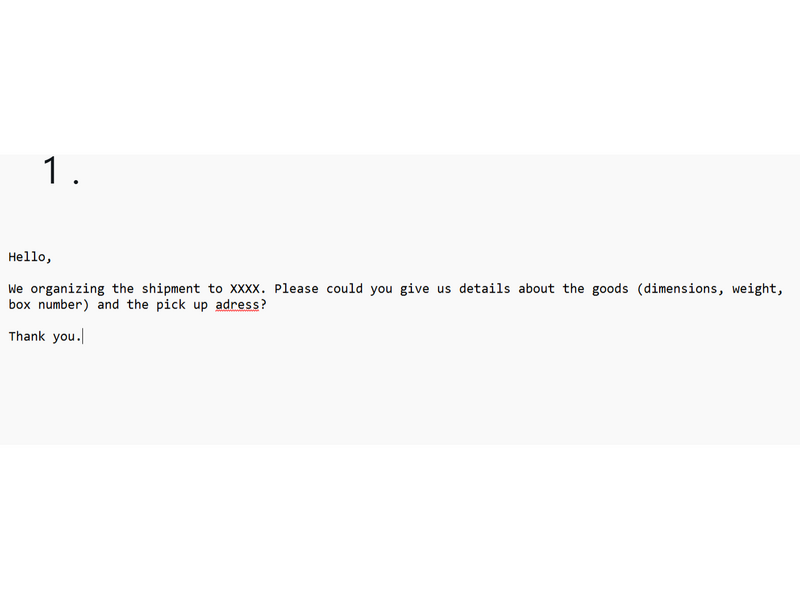
1. Contact the sender to obtain the shipment information (dimensions, weight, and number of boxes) and arrange the pickup date and time. (Comunication can be done via Whatsaap or Email).
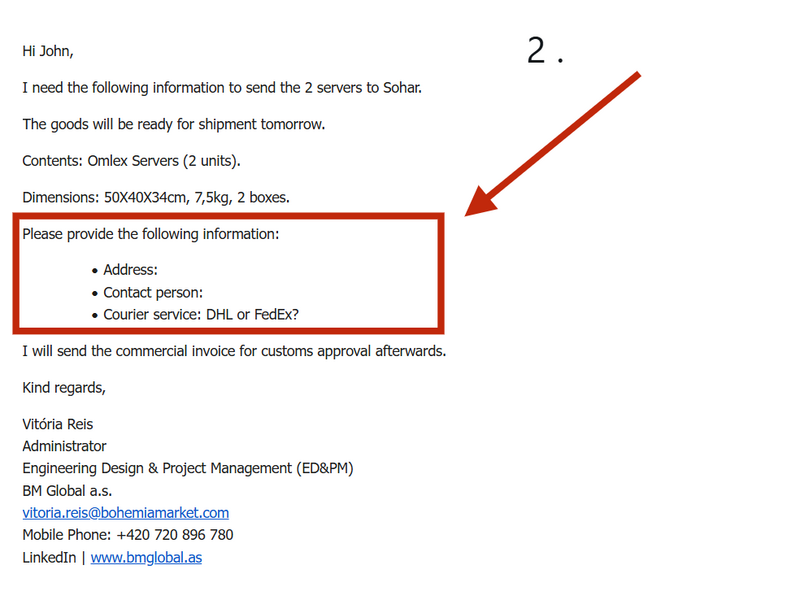
2. Once the goods information and pickup date and time have been confirmed, contact the recipient to request the delivery address, contact person, and preferred courier service. Provide them with the shipment details available at that stage.
Step 2 Create the Shipment
Click the large image to open full size.
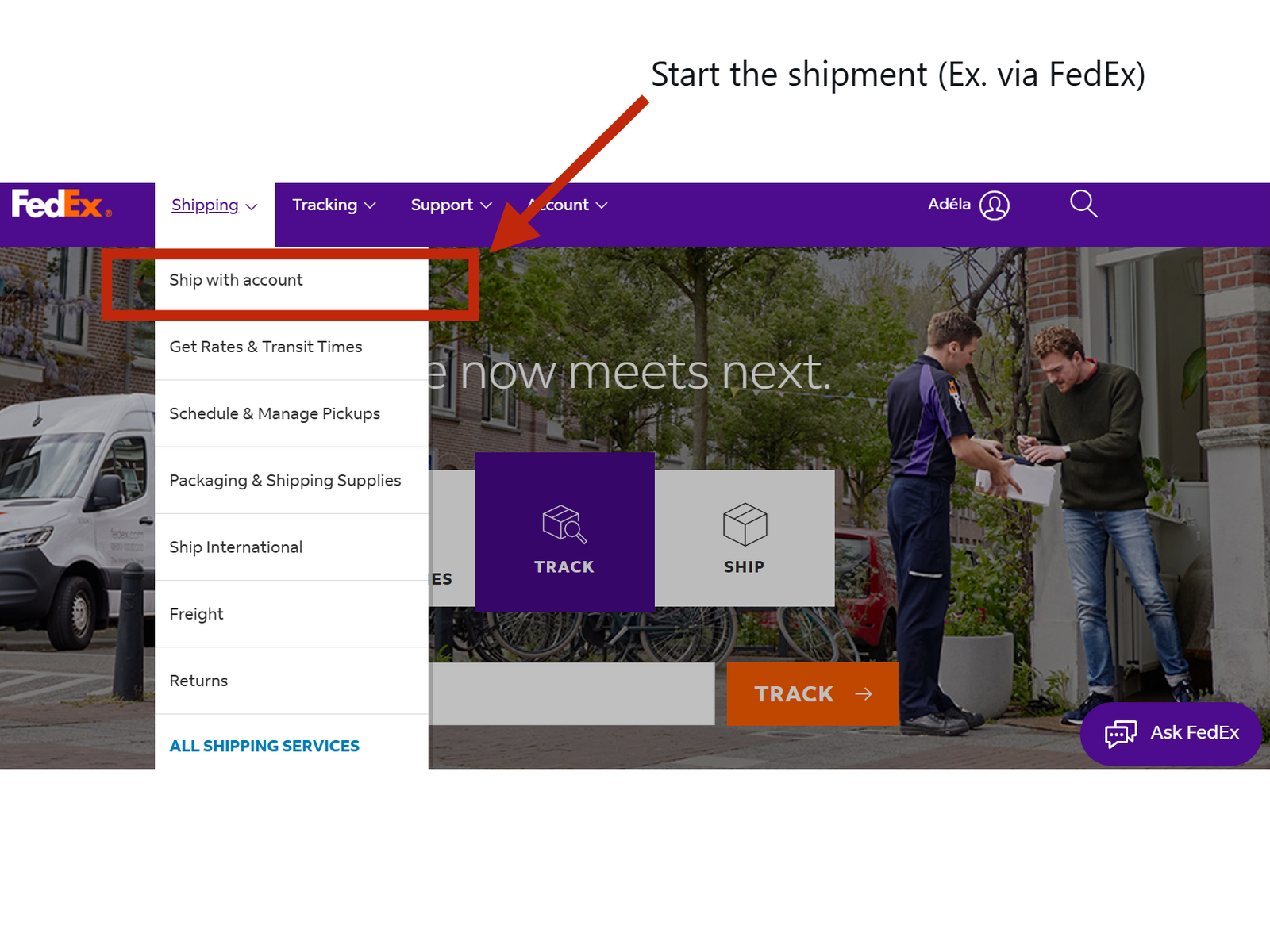
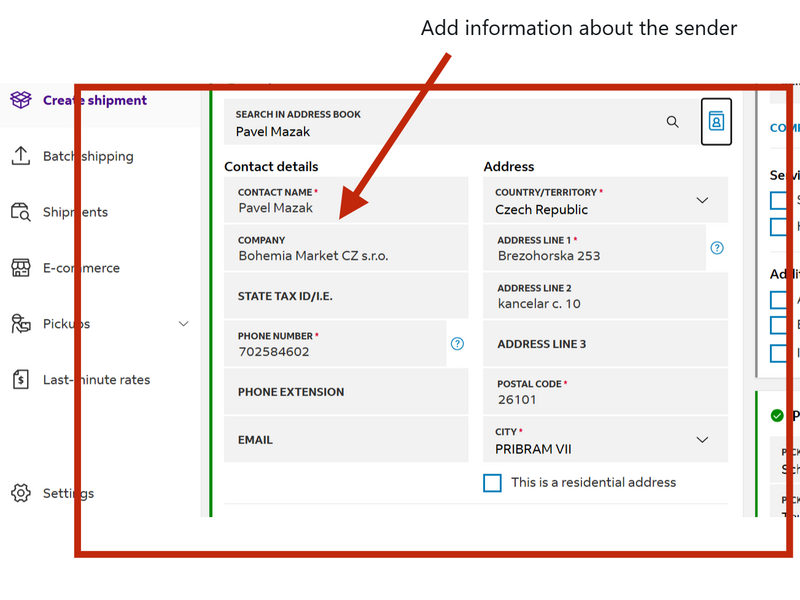
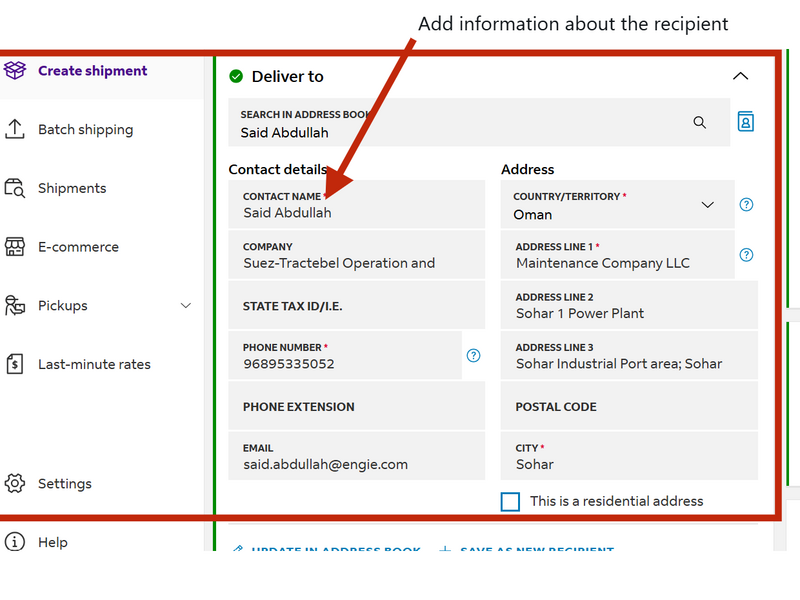
Prepare the shipment in the courier's system (e.g., DHL or FedEx).
Verify the package details, dimensions, weight, and customs documentation requirements.
Generate the Air Waybill (AWB) and any required customs documents.
Step 3 Profoma Invoice and Delivery List Approval
Click the large image to open full size.
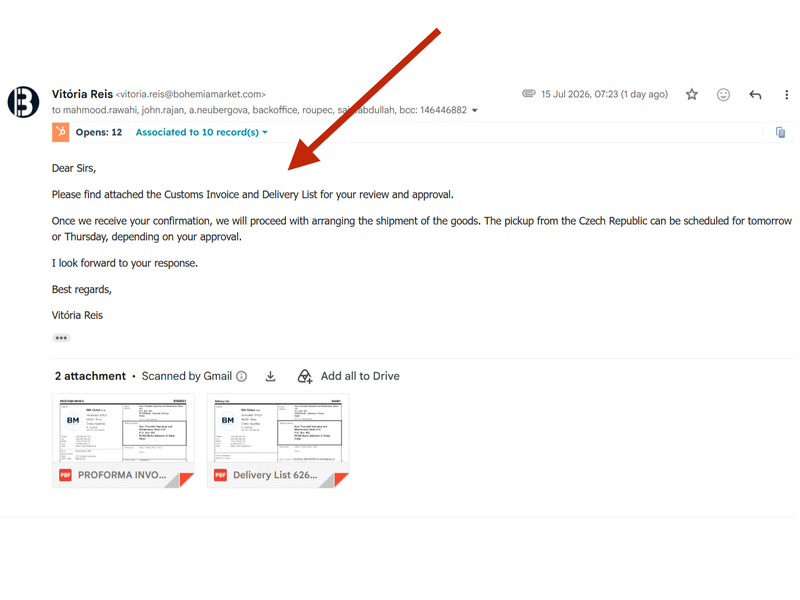
Before completing the shipment, send an email to the client with proforma invoice and delivery list for his approval.
Step 4 Save and Send the AWB Labels
Click the large image to open full size.
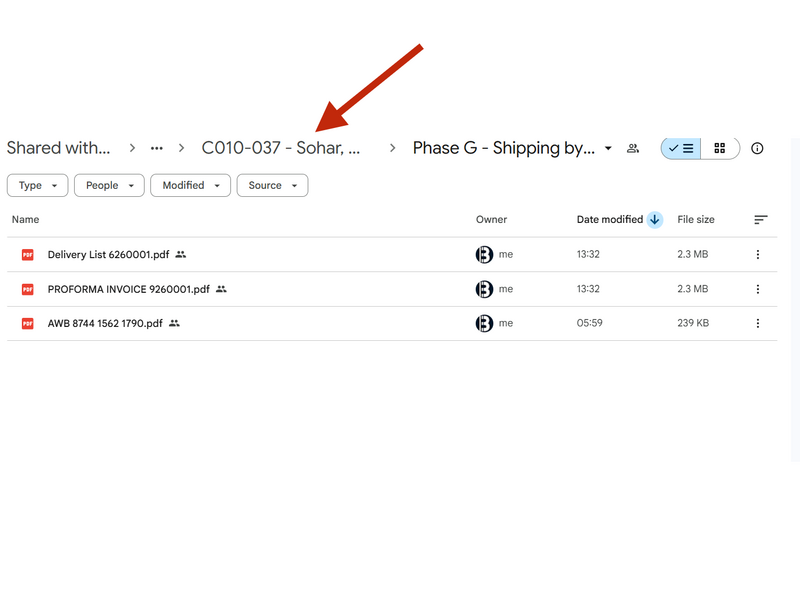
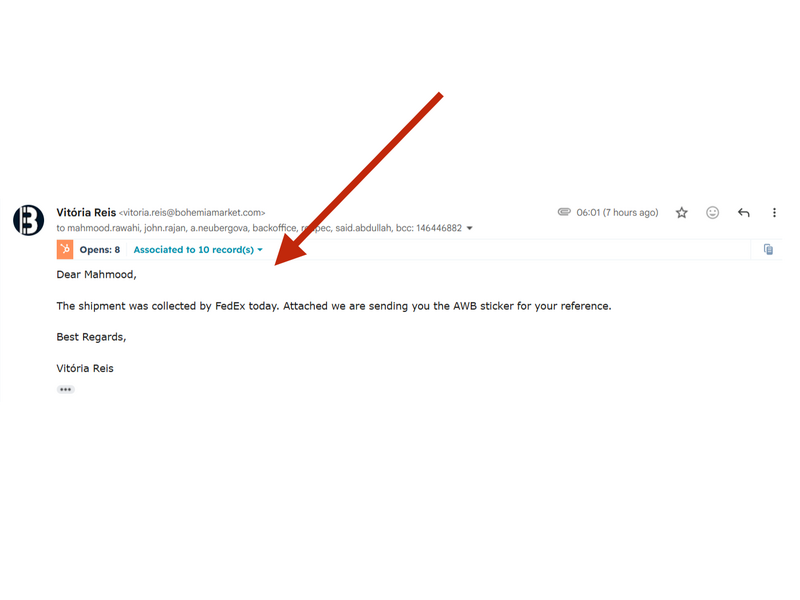
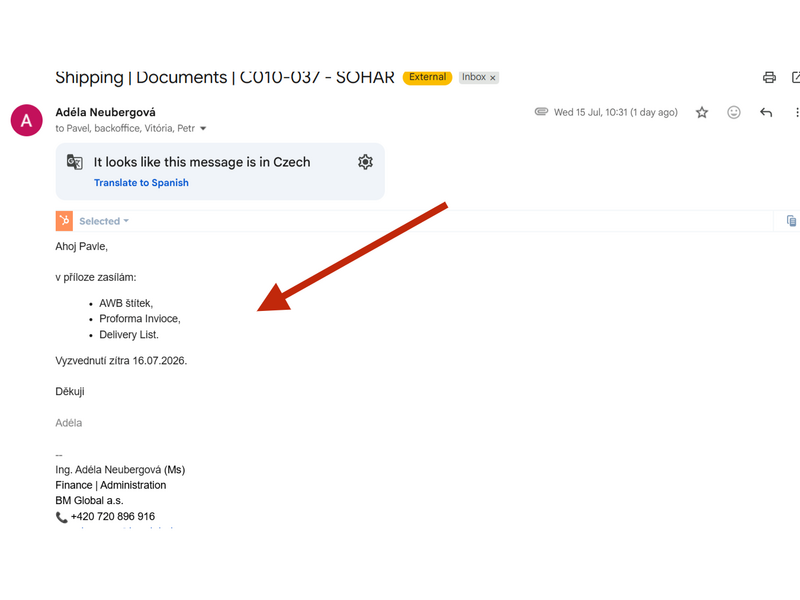
Once the shipment has been created, download the AWB label and commercial invoice and save them in the appropriate project number directory. Then, send the AWB label and shipment details to both the sender and the recipient.